Capture
Speak or type a memory from iPhone. Home Screen and Lock Screen widgets open directly to capture.
The whole little system
Little Moments handles the organizing. Your family keeps the judgment, the voice, and the final say.
Download on the App Store

Speak or type a memory from iPhone. Home Screen and Lock Screen widgets open directly to capture.
Record from the companion Watch app or complication, then let the paired iPhone transcribe and organize it.
Keep memories in chronological order for the whole family or one child, with editable dates and age-at-event labels.
Saved first names, aliases, and chosen pronouns provide context without assuming identity from a name or activity.
Little Moments can suggest a possible milestone. It is never confirmed until a family member decides.
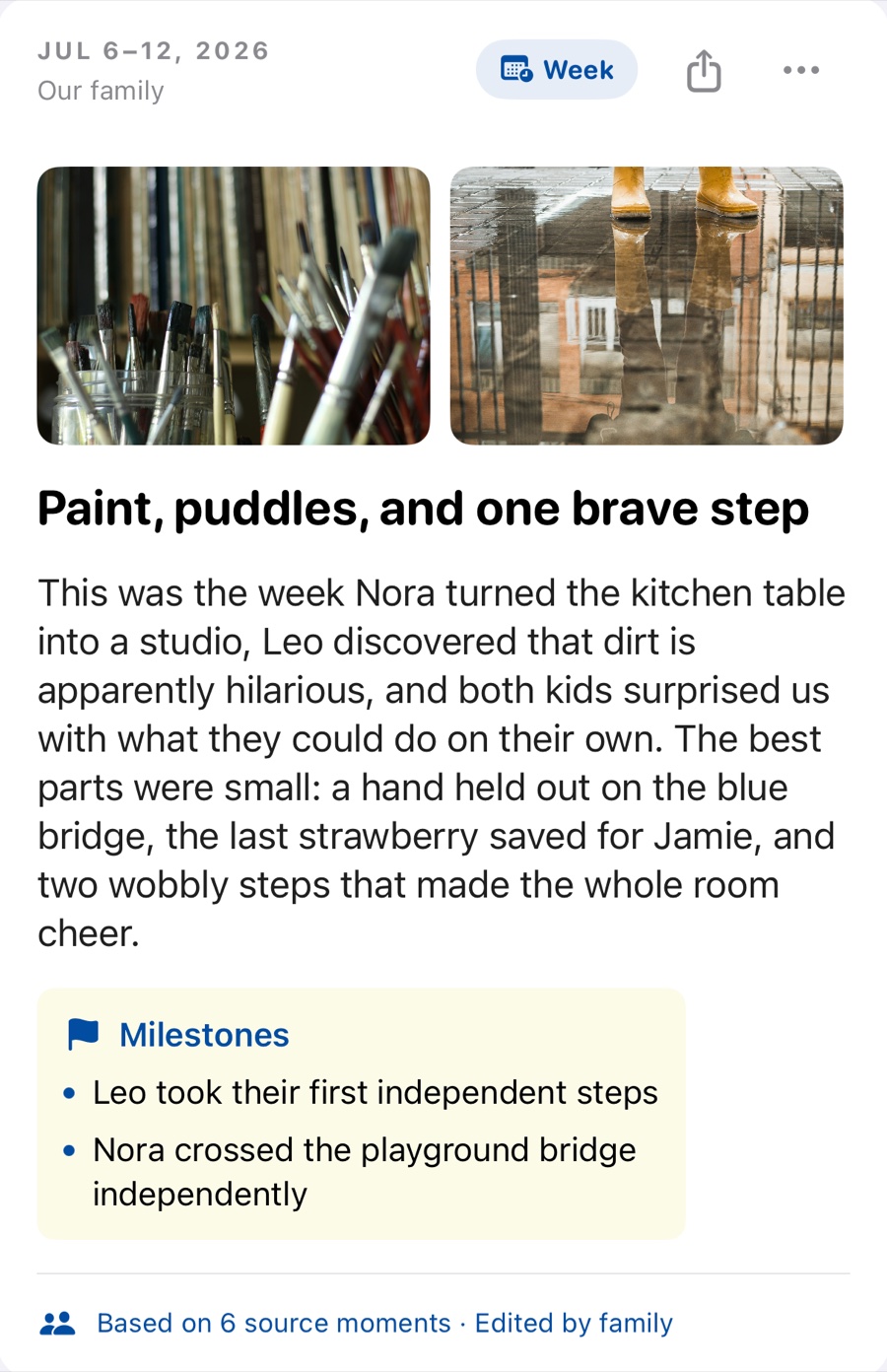
Build weekly, monthly, and yearly chapters from chosen moments, with editable writing that reflects your family’s way of telling stories and keeps its source links.
Dictate a replacement highlight locally, or directly edit the suggested title and story without asking AI to rewrite it.
Browse photos from the selected period on-device, choose the ones you want, and arrange them in the chapter.
Share a completed highlight’s text and selected photos through the native iOS share sheet.
Family owners can opt into private weekly, monthly, or yearly drafts. They never overwrite an existing chapter.
With membership, the owner can invite trusted adults as full co-editors of one shared private journal.
Keep every child in the family timeline with thoughtful birthday controls and no invented present age.
What happens to a voice note?
What happens to a photo?
When you open the period photo browser, dates and thumbnails are filtered on the iPhone. Little Moments creates a new, size-limited JPEG without source metadata for each photo you choose. The AI organizer never receives your photos, filenames, captions, locations, or Apple Photos identifiers.
GOOD TO KNOW
Yes. You can type or record a moment without AI. Apple always transcribes voice capture on your iPhone first, and you can keep Enhanced transcription on-device only. If you decline the separate organizer permission, Little Moments saves your chosen words without an AI-organized title or metadata. A recap can also be dictated in your exact words without an AI rewrite.
Not currently. Invited family members are full co-editors who can view, add, change, and delete shared journal content. Only invite people you trust with the whole journal.
No. The Apple Watch companion transfers the recording to the paired iPhone, where transcription, review, sign-in, and journal sync take place.
Little Moments requires iOS 17 or later. Apple Watch capture requires watchOS 11 or later and a paired iPhone.